
Parent SupportHow to Sign Up
How to Sign Up
Your Child
At Legion, we use a single Family Account system. This guide will show you how to set up your parent profile first, then add your child.
Key Rule: Create the account in YOUR name first. Do not use your child's details for the main login.
Step 01
Start Registration
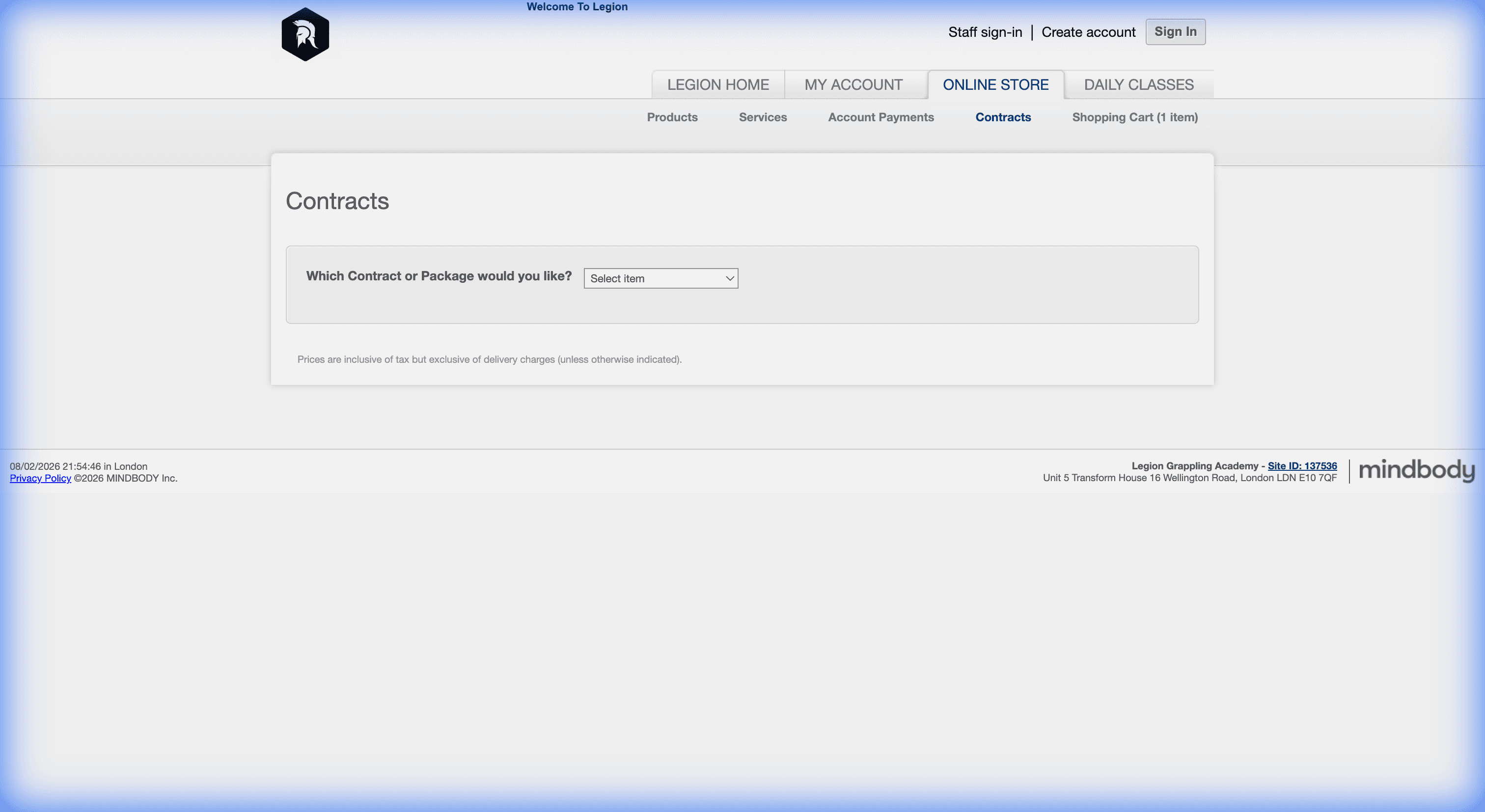
Navigate to our secure Mindbody portal. You will see a screen with a "Sign In" box and a "Create Account" box.
Step 02
Use Parent Details
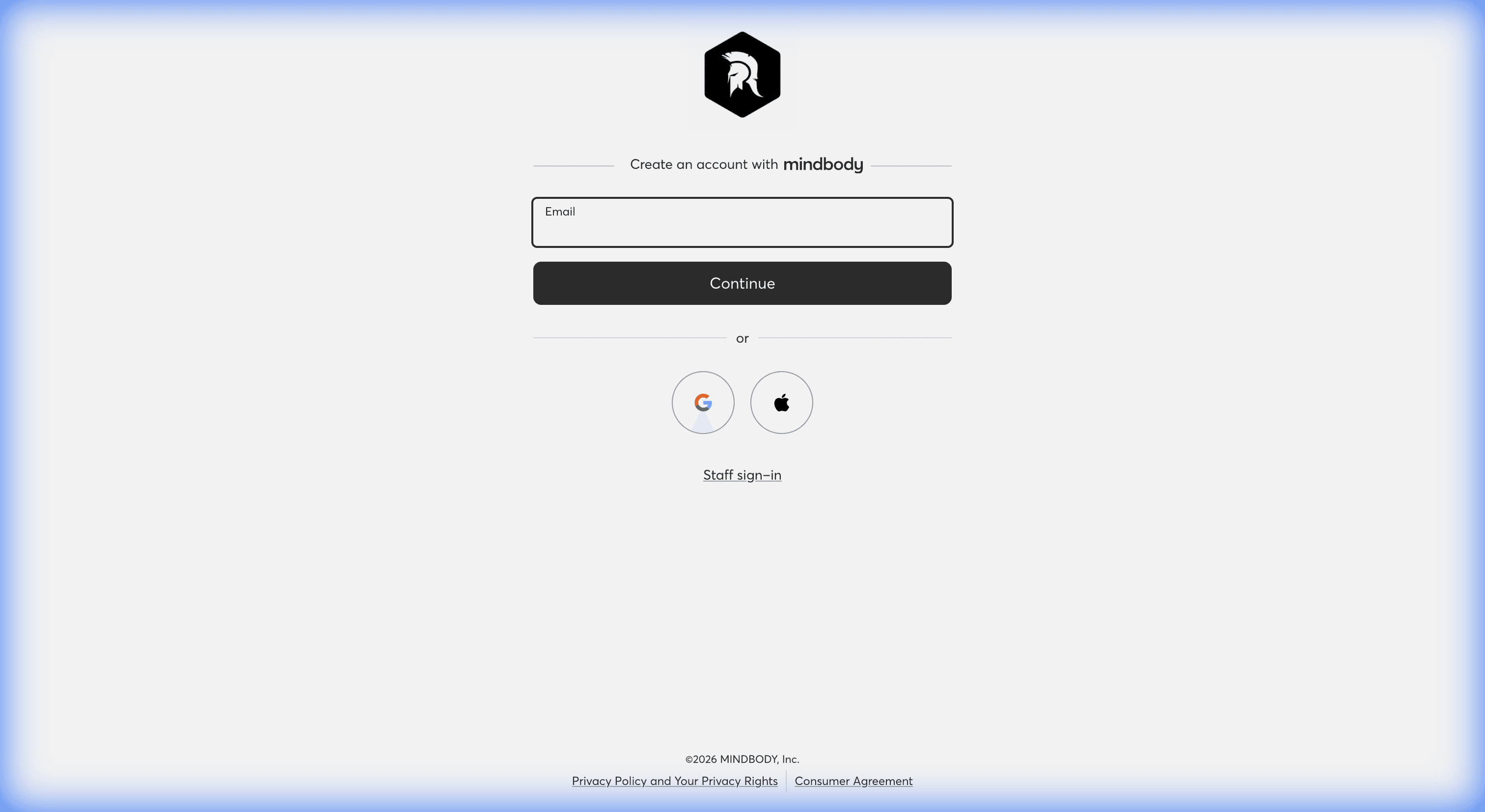
In the "Create Account" section, enter YOUR email address. This ensures you have admin control over payments and waivers.
Step 03
Create Family Profile
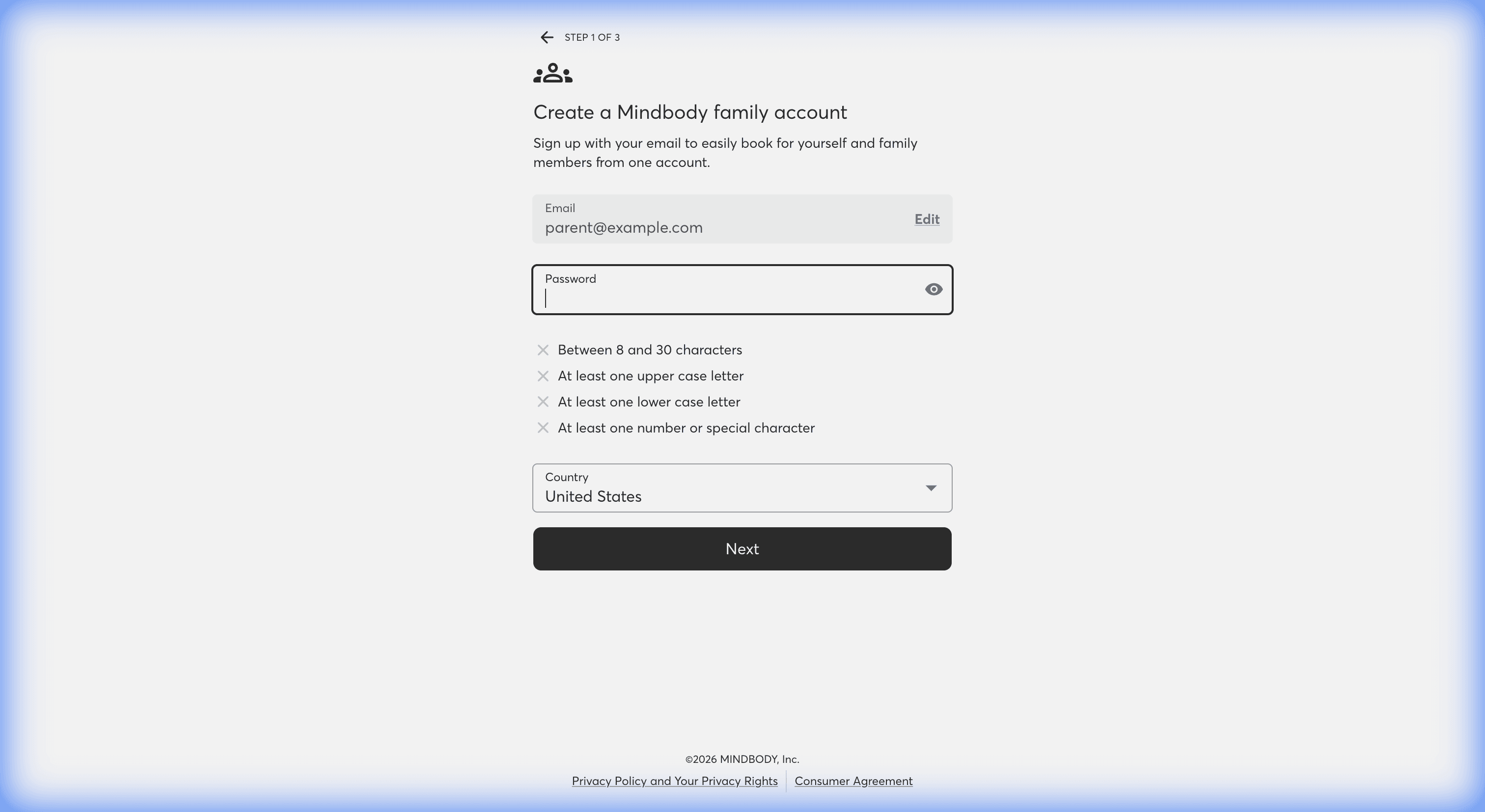
Complete the form with your details. Look for the header "Create a Mindbody family account". This confirms you are setting up a master profile that can manage multiple family members.
Step 04
Add Your Child
Once logged in:
- Click on the MY INFO tab.
- Scroll to the Family Members section.
- Click "Add Family".
- Enter your child's First Name, Last Name, and Date of Birth.
- Check the box "Paid for by [Your Name]".
- Click Save.
Step 05
Book the Trial
To book their first class:
- Go to the CLASSES tab.
- Find a class (e.g., "Kids BJJ").
- Click Sign Up Now.
- Critical StepWhen asked "Make reservation for:", select Your Child's Name.
- Select "Kids Free Trial" at checkout (Free).